
#
How to Edit Your Profile
Update your personal details at any time directly from the Phoeniqs portal Settings page.
#
Prerequisites
Before editing your profile, make sure you have the following:
- An active Phoeniqs portal account
Tips
- If you do not have an account yet, Create an Account first.
- If you have trouble signing in, see the Log In to an Existing Account section on the Create an Account page.
#
Edit Your Profile
#
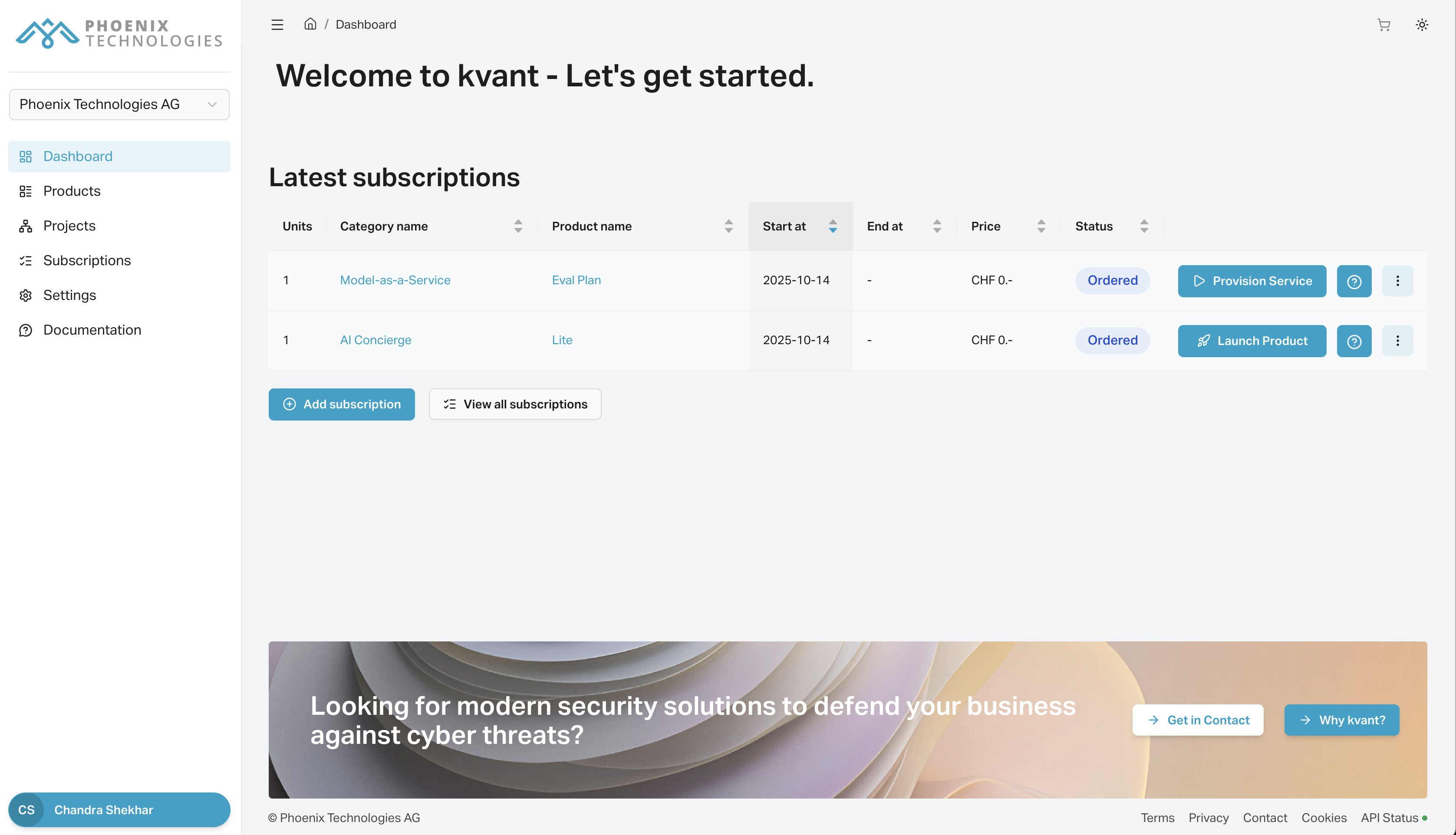
1. Open Settings
Log in and click Settings in the left nav. The Profile tab will be displayed.
#
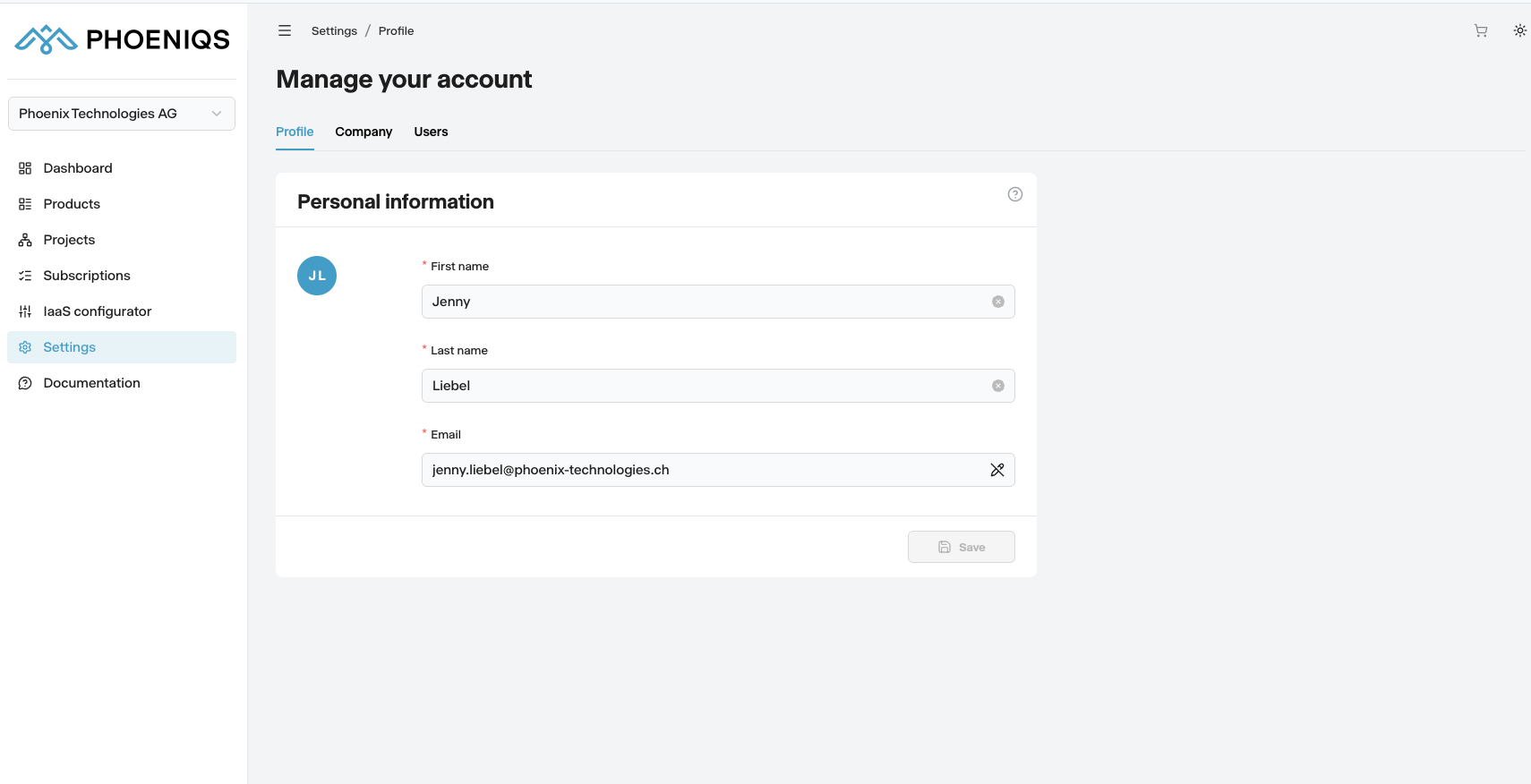
2. Update your details
Edit any fields that need correction.
#
3. Save
Click Save to apply your changes.
Note
Click Remember me on the sign-in screen if this is a secure computer that you use regularly.
#
Notes
tip Need help?
If you experience any issues or need assistance, please contact support.
#
See also